Containerization-devops
🐳 Docker & Containerization – Important Theory Notes
Virtual Machines vs Containers
Virtual Machines (VM)
Virtual Machines run on a hypervisor such as VirtualBox or VMware. Each VM includes:
- Full Guest Operating System
- Virtual Hardware
- Separate Kernel
- Application Layer
Architecture: Host OS → Hypervisor → Guest OS → Applications
Characteristics:
- Heavyweight
- High memory usage
- Strong isolation
- Slower boot time
- Size in GBs
Containers
Containers run using Docker Engine and share the host OS kernel.
Architecture: Host OS → Docker Engine → Containers → Applications
Characteristics:
- Lightweight
- Fast startup
- Efficient resource usage
- Portable
- Size in MBs
Key Differences
| Feature | Virtual Machine | Container |
|---|---|---|
| OS | Full Guest OS | Shared Kernel |
| Boot Time | Minutes | Seconds |
| Size | Large (GBs) | Small (MBs) |
| Isolation | Strong | Process-Level |
| Performance | Slower | Faster |
Docker Basic Commands
Check Docker Version: docker –version
Pull Image: docker pull nginx
Run Container: docker run -d -p 8080:80 nginx
List Running Containers: docker ps
List All Containers: docker ps -a
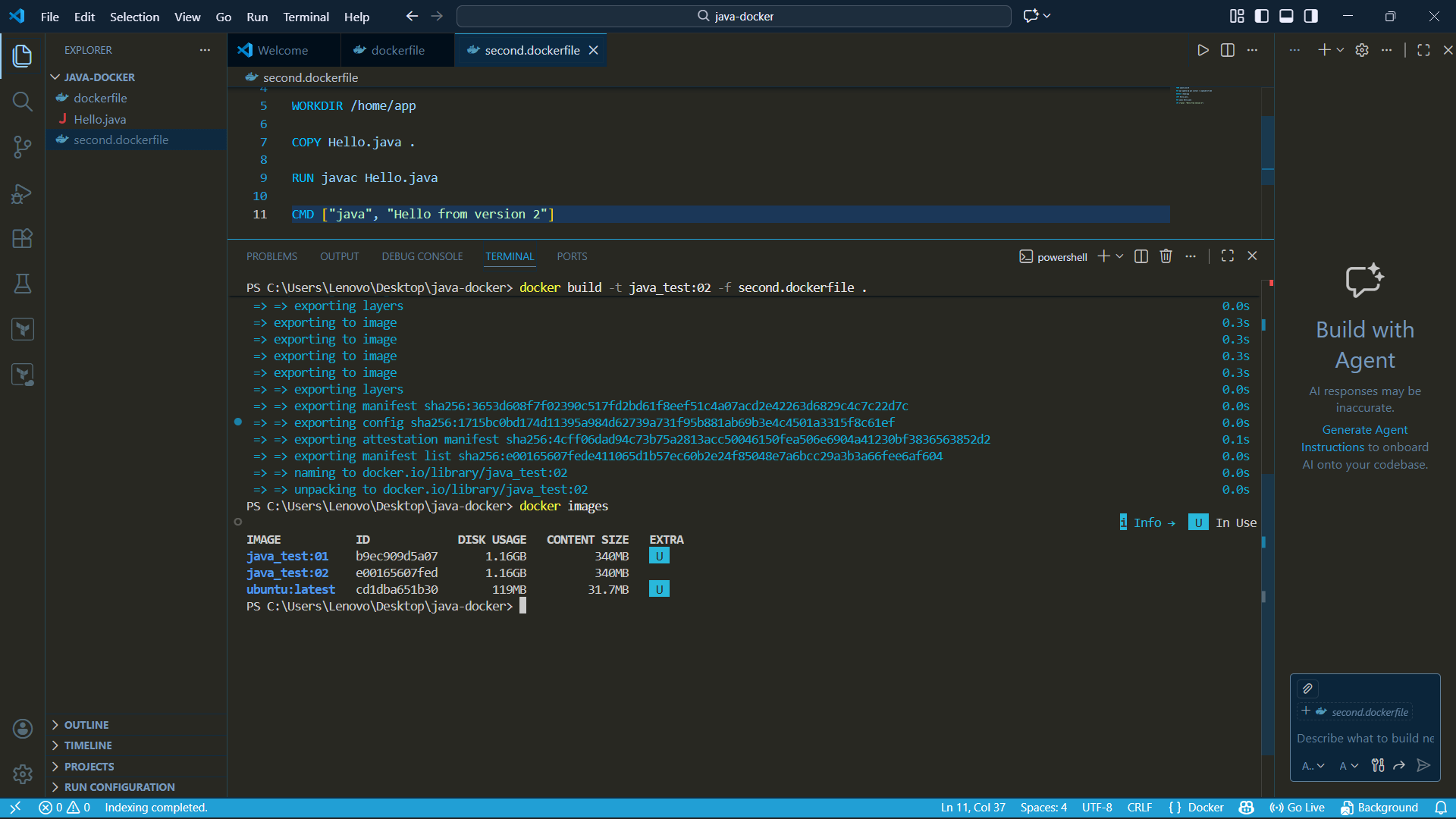
List Images: docker images
Stop Container:
docker stop
Remove Container:
docker rm
Remove Image:
docker rmi
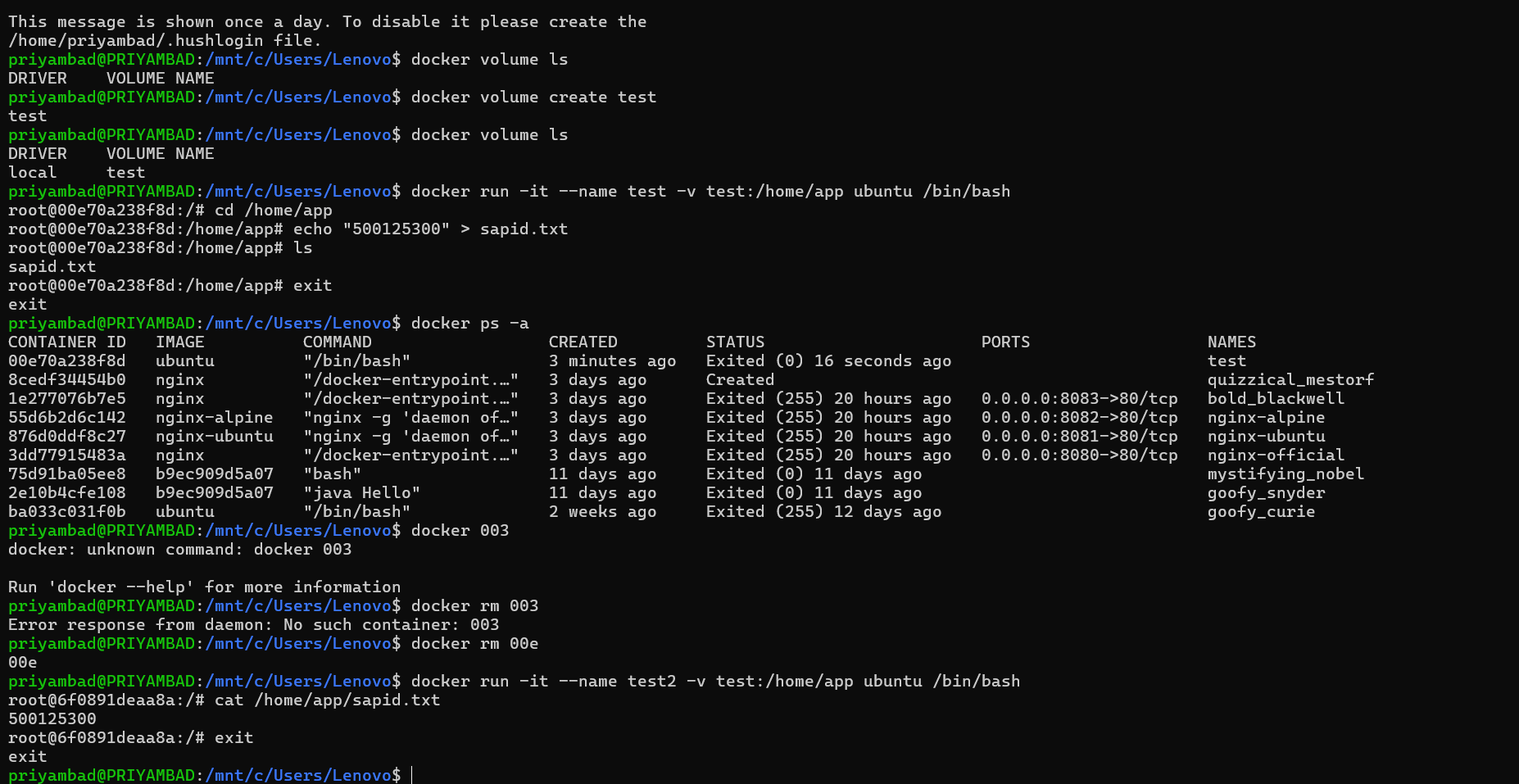
Preserving Changes Inside Containers
Containers are temporary (ephemeral). Data is lost when container is removed.
Method 1 – Commit Container:
docker commit
Method 2 – Create Volume: docker volume create myvolume
Run Container with Volume: docker run -v myvolume:/data image_name
Method 3 – Bind Mount: docker run -v /host/path:/container/path image_name
Dockerfile Important Instructions
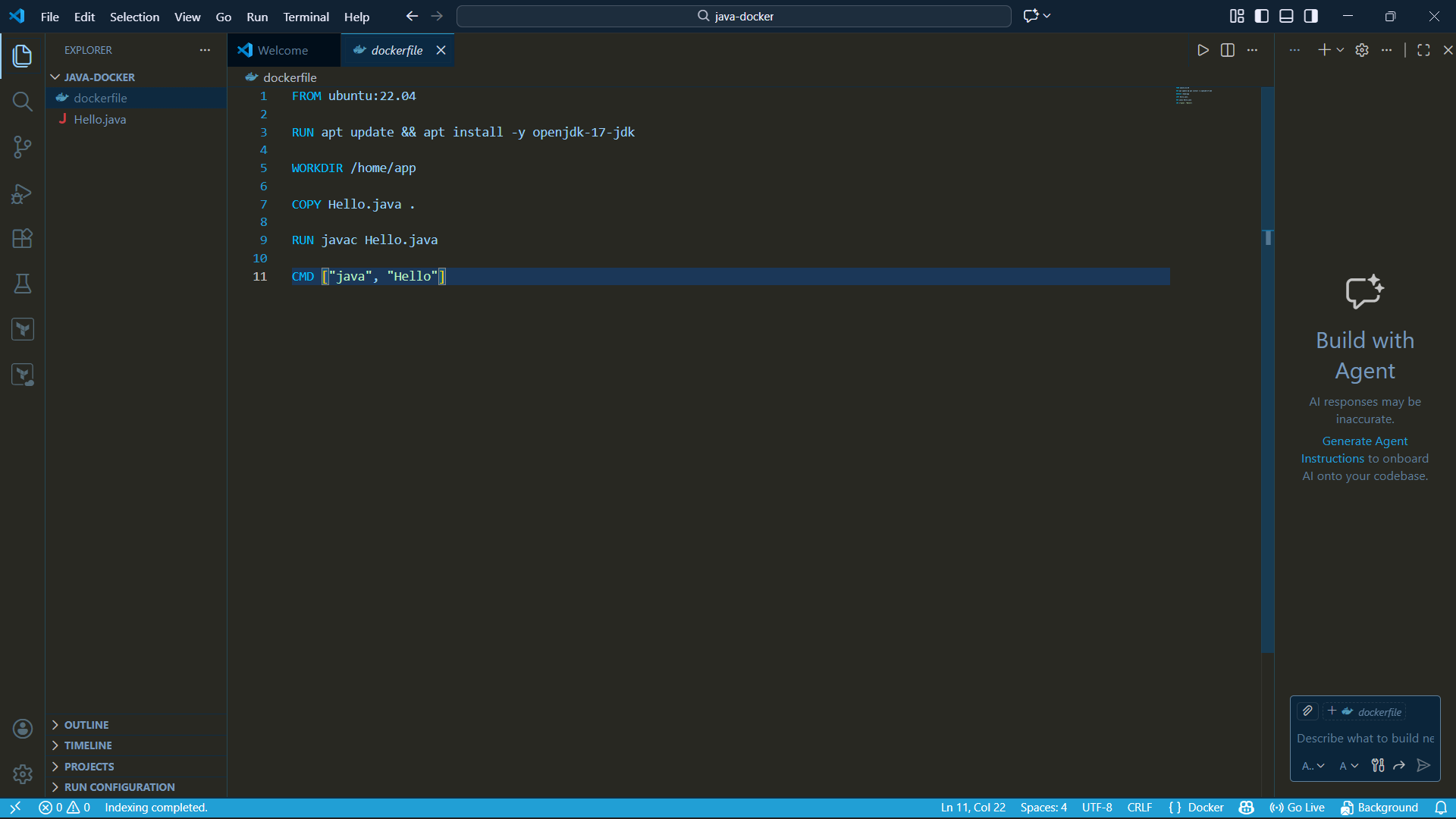
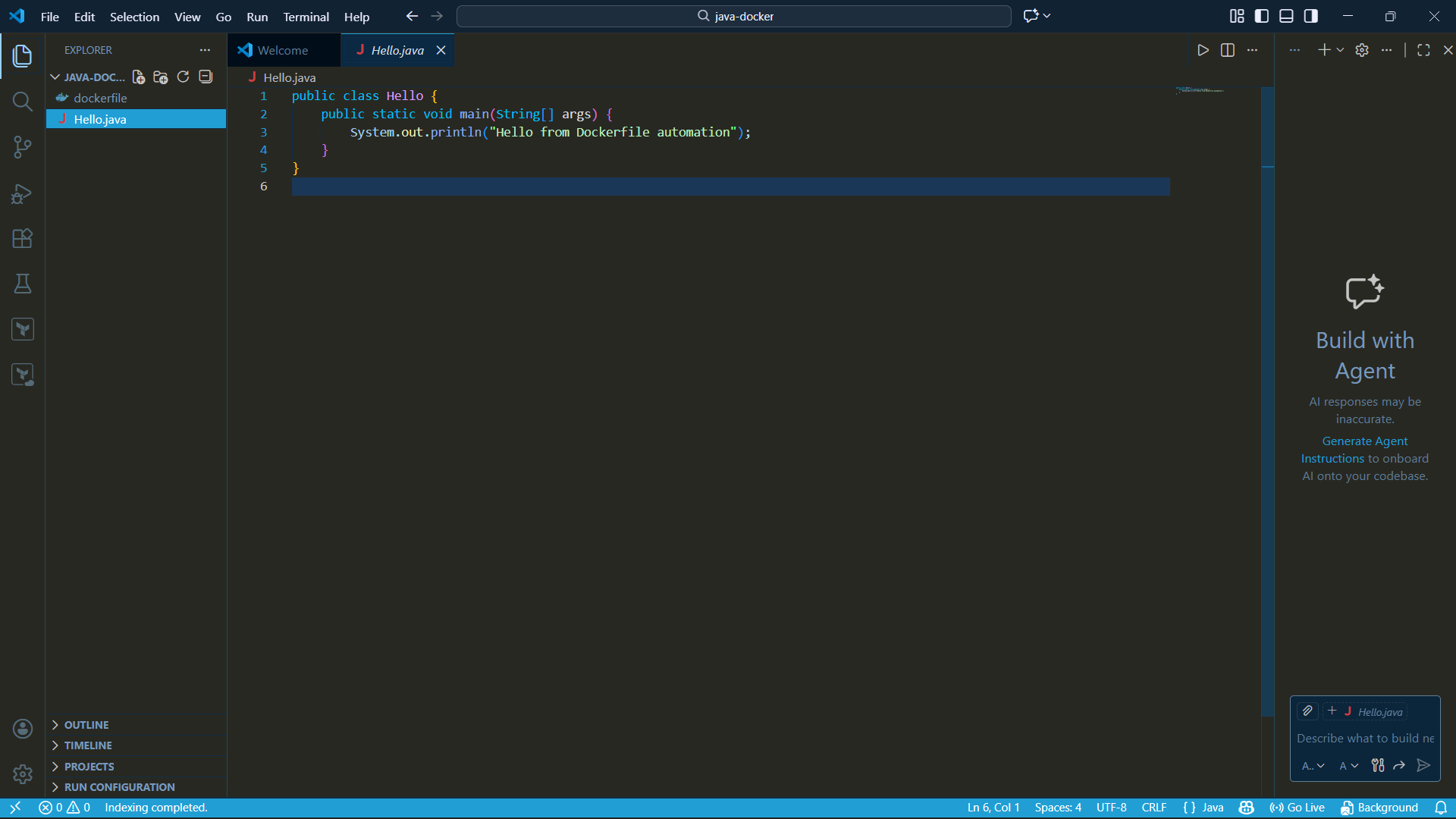
Dockerfile is used to build custom images.
Common Instructions:
FROM → Base image RUN → Execute commands COPY → Copy files ADD → Add files WORKDIR → Set working directory EXPOSE → Expose port ENV → Environment variable CMD → Default command ENTRYPOINT → Main container command
Build Image:
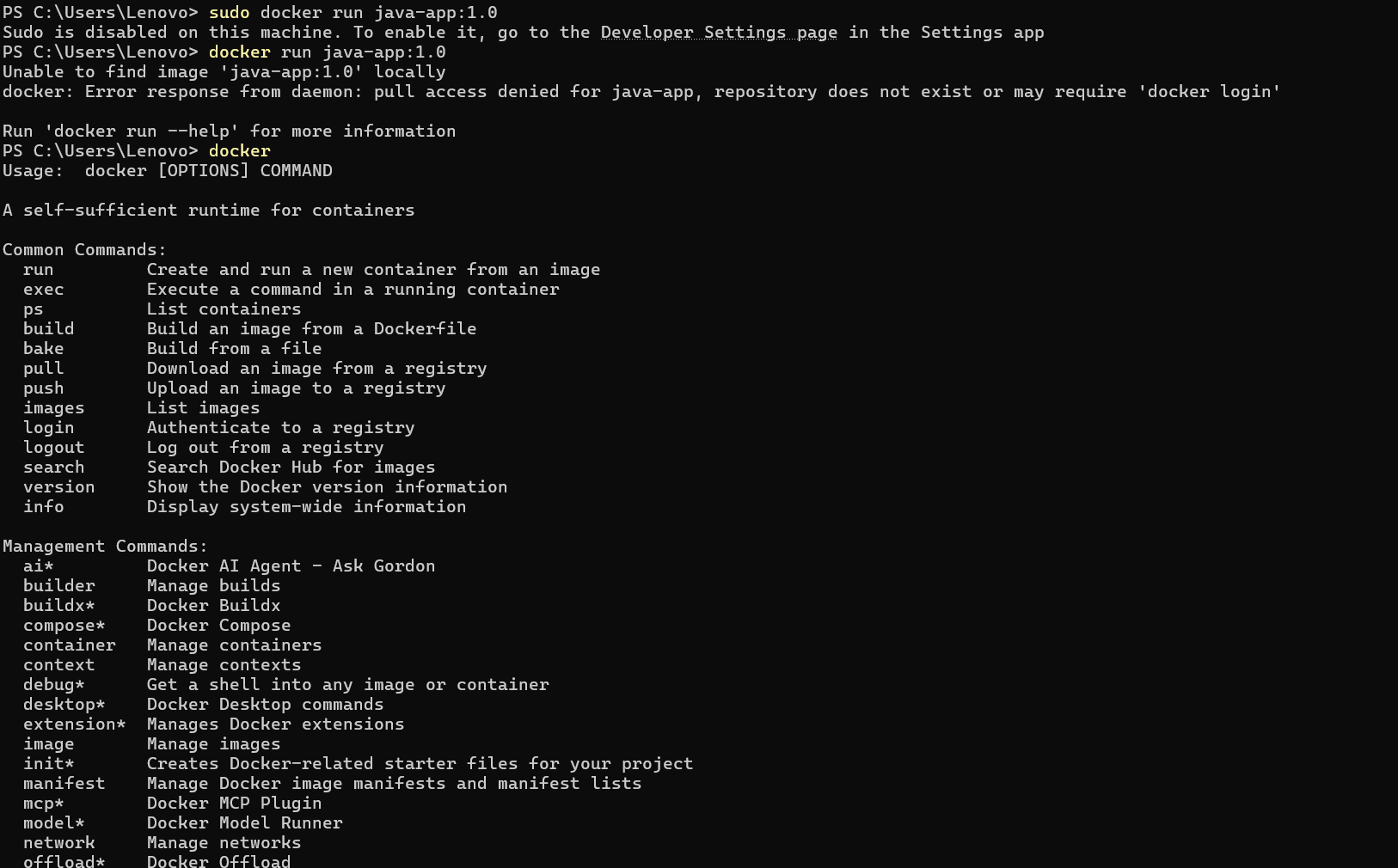
docker build -t image_name .
Docker API
Docker Engine provides REST API for automation.
Check Docker API Version: curl –unix-socket /var/run/docker.sock http://localhost/version
Used For:
- Automation
- Remote management
- CI/CD integration
- Container orchestration
Exposing Docker API
Modify daemon.json:
{ “hosts”: [“tcp://0.0.0.0:2375”, “unix:///var/run/docker.sock”] }
Restart Docker after modification.
⚠ Security Warning: Always secure Docker API with TLS authentication when exposing externally.
Core Docker Commands for Tasks
Check Logs:
docker logs
Inspect Container:
docker inspect
Monitor Resource Usage: docker stats
Execute Command Inside Container:
docker exec -it
Restart Container:
docker restart
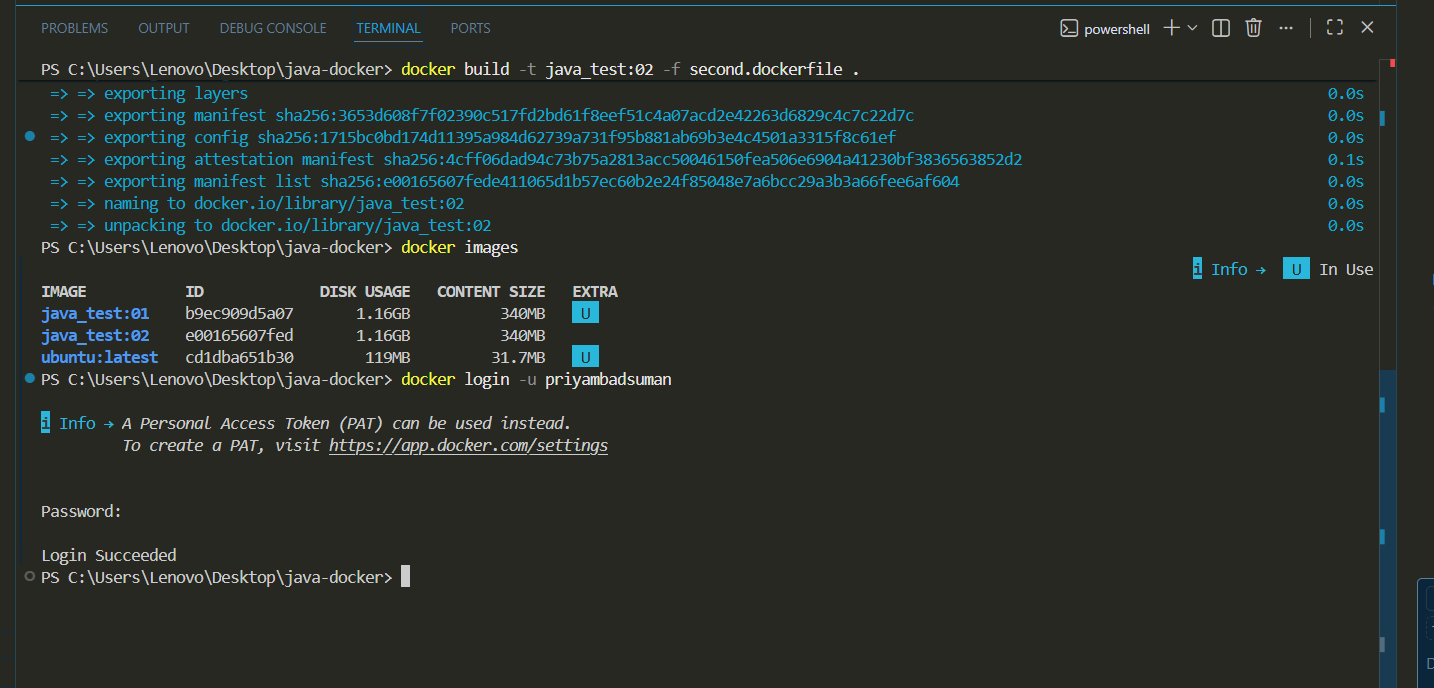
Multistage Dockerfiles (Best Practices)
Used to reduce image size and improve security.
Example Concept:
FROM node:18 AS builder WORKDIR /app COPY . . RUN npm install
FROM alpine
COPY –from=builder /app /app
CMD [“node”, “app.js”]
Benefits:
- Smaller final image
- Faster deployment
- Reduced vulnerabilities
- Better security
Best Practices:
- Use minimal base image (Alpine)
- Reduce layers
- Avoid installing unnecessary packages
- Use .dockerignore
- Avoid running as root
- Use multistage builds
Attach to Stopped Containers
Start Stopped Container:
docker start
Attach to Running Container:
docker attach
Run Interactive Shell:
docker exec -it
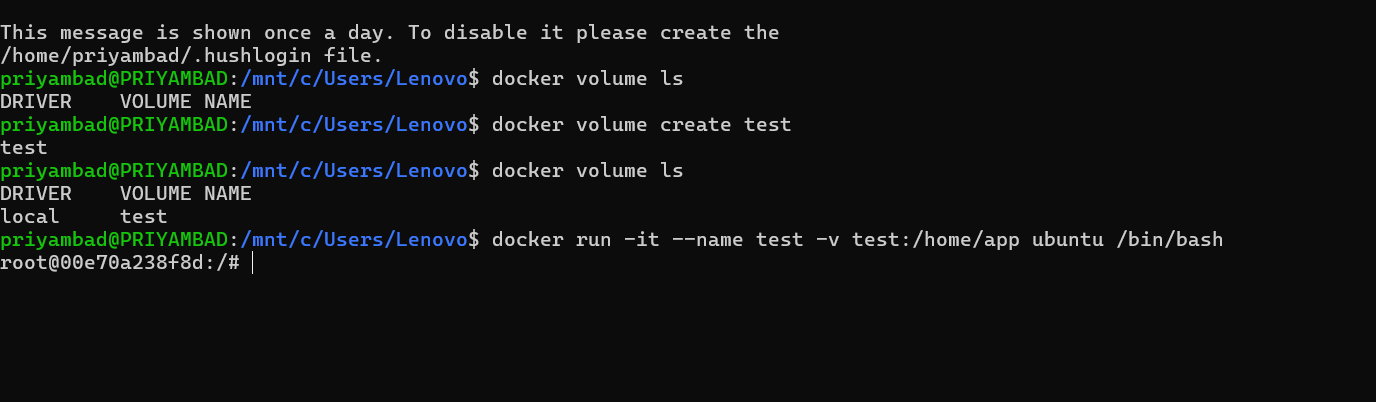
Data Management in Docker
Volume (Docker Managed Storage): docker volume create myvolume
Run with Volume: docker run -v myvolume:/app image_name
Bind Mount (Host Directory Mapping): docker run -v /host/path:/container/path image_name
tmpfs (Temporary In-Memory Storage):
docker run –tmpfs /app image_name
Networking in Docker
List Networks:
docker network ls
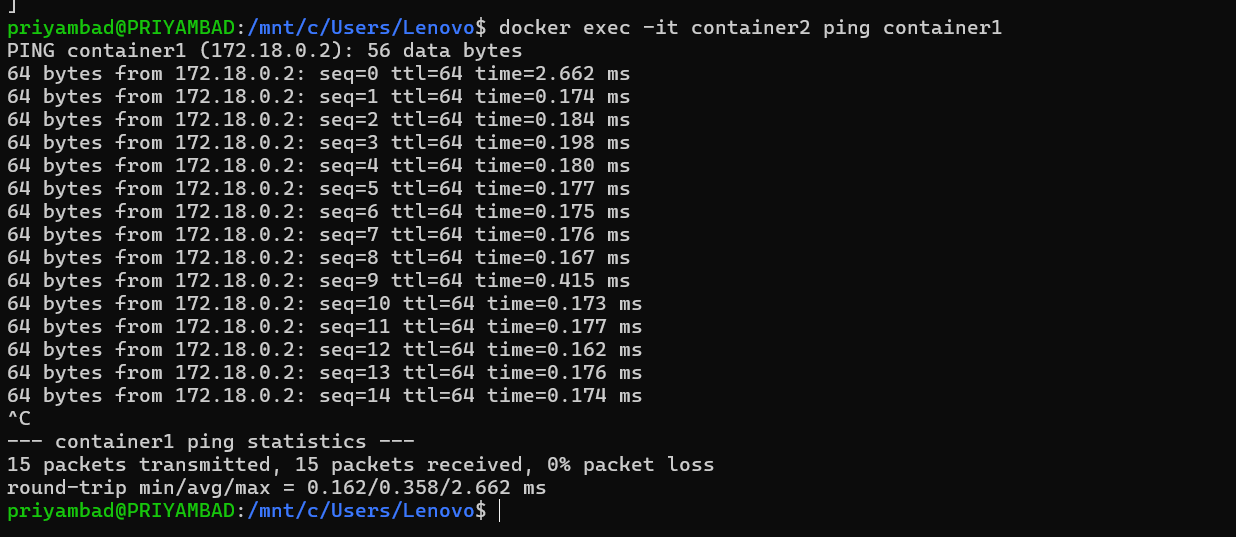 Here it provde to ping the other container.
Create Network: docker network create mynetwork
Connect Container to Network: docker network connect mynetwork container_name
Default Network Types:
- bridge
- host
- none
- custom bridge
Docker Compose
Theory —
These are essential concepts for containerized application deployment in modern DevOps environments.